Mossmoss
Features
PrinciplesPricingRelease NotesSupport
Download
Mossmoss

Product

  • Features
  • Pricing
  • Download

Moss for

  • Developers
  • Writers
  • Researchers
  • Product Managers
  • Everyday Life

Resources

  • Release Notes
  • Design Principles
  • Support

Legal

  • Privacy
  • Terms

Connect

  • Twitter / X

© 2026 Moss.

Release Notes

What's new in each release.

0.5.7March 3, 2026

Highlights

Improved update widget readability when both install and changelog actions are visible.

Bug Fixes

  • Fixed crowded update widget action layout when "Restart to update" and "See what's new" are shown together
  • Fixed action text wrapping that made the install CTA harder to scan
0.5.6March 3, 2026

Highlights

Update notifications now reliably surface the install action when an update is ready to apply.

Bug Fixes

  • Fixed update widget state flow that could hide the "Restart to update" button
  • Fixed dismissal behavior so closing an info-only release card no longer suppresses an installable update for the same version
  • Fixed event ordering issue where info-only update events could overwrite installable update state
0.5.5March 3, 2026

Highlights

First-run startup is now more resilient. Moss no longer waits for analytics initialization before creating the app window.

Bug Fixes

  • Fixed startup being blocked when analytics initialization was slow or failed
  • Fixed first-time launch reliability in environments where the workspace state is not fully initialized yet
0.5.4March 3, 2026

Highlights

Window and update reliability improvements on launch. Moss now recovers better if the renderer stalls and handles dock reactivation more consistently.

Bug Fixes

  • Fixed first-launch cases where the app stayed invisible if `ready-to-show` never fired
  • Fixed dock activation not restoring/showing an existing hidden window
  • Fixed launch-time update widget showing the wrong version when the current app version is missing from changelog data
  • Fixed dev and production apps conflicting on single-instance lock
  • Fixed first-run analytics device ID creation when the workspace directory did not exist yet
0.5.3March 2, 2026

Highlights

The agent now cites its sources when using web search, and formulas are easier to work with. Press Enter to finish editing instead of clicking away.

Improvements

  • Agent cites sources when using web search
  • Press Enter to finish a formula instead of only Space or clicking away
  • Comment colors persist across sessions
  • Onboarding skills auto-adopt on first run

Bug Fixes

  • Fixed comment input dismissing immediately after opening
  • Agent messages now stay visible after the agent finishes
  • Comments now preserved correctly after undo
  • Skill notes now appear in the correct folder on first run
  • Fixed Edit button showing on comments written by Moss
  • Fixed onboarding formula syntax and wiki links
  • Fixed analytics not shutting down cleanly on quit
0.5.2March 1, 2026

Highlights

Refreshed landing page design, plus stability improvements under the hood.

Bug Fixes

  • Fixed download verification on some networks
0.5.1February 28, 2026

Highlights

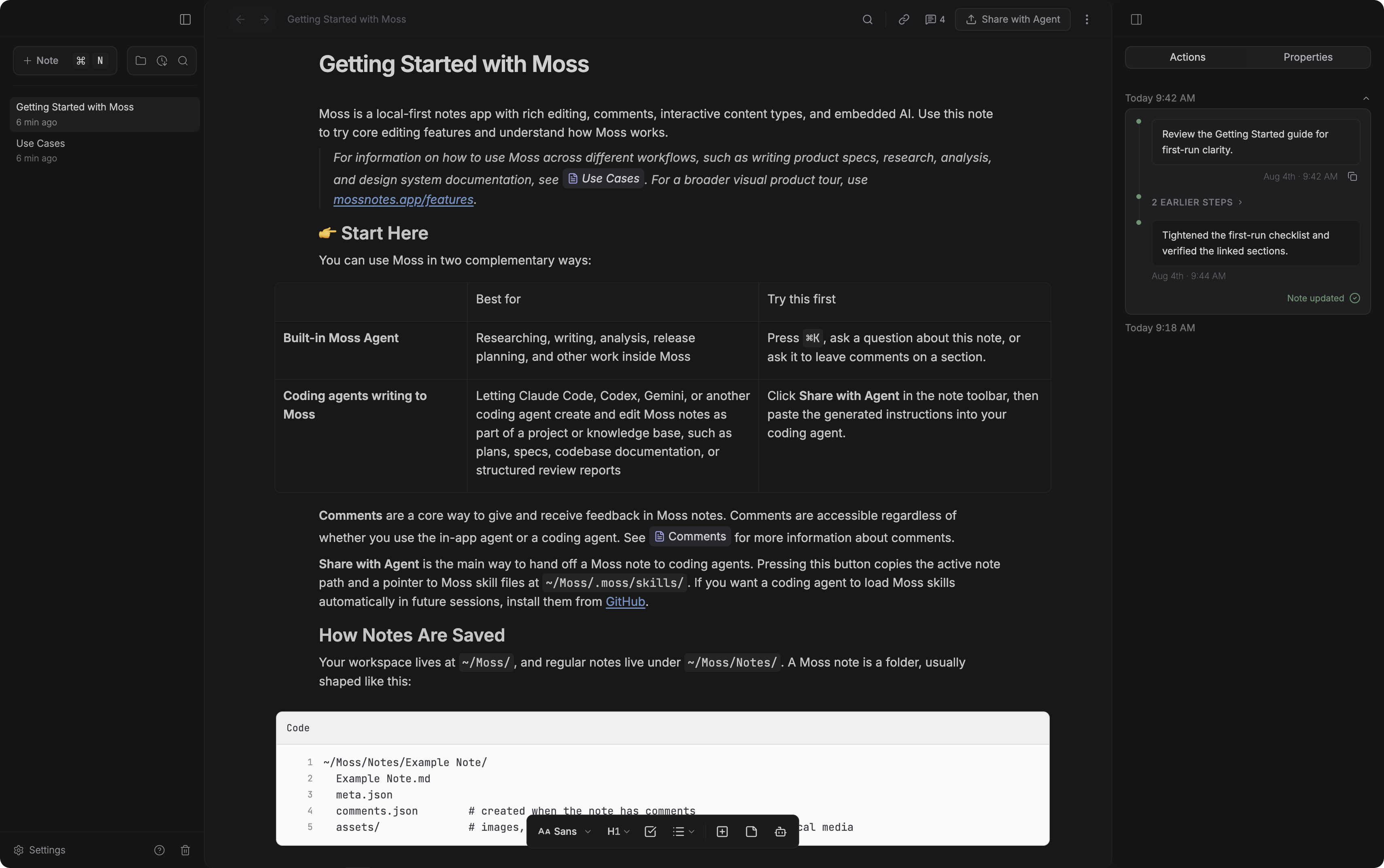
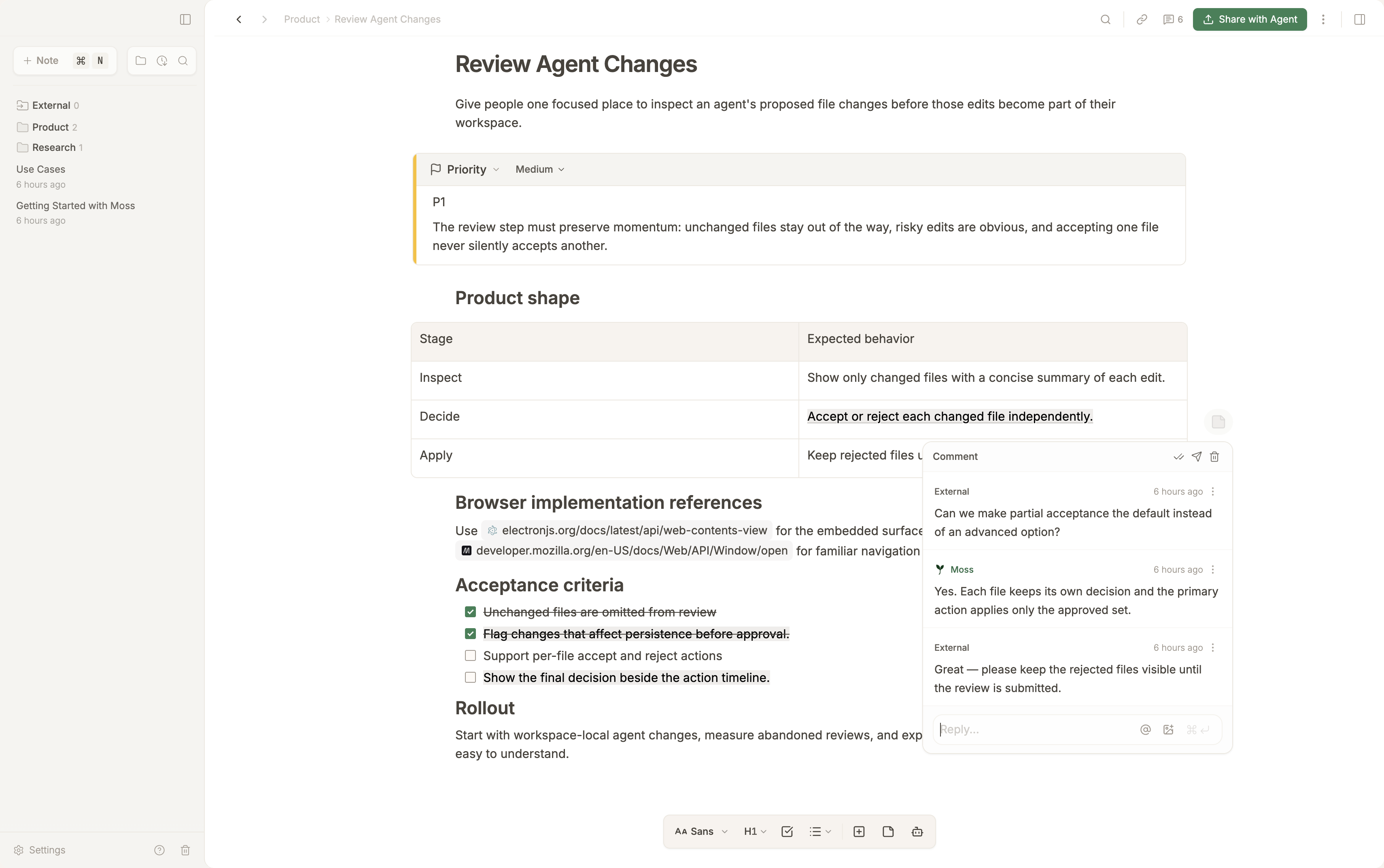
Comments now show whether they came from you or Moss, with distinct styling and a sprout icon for agent comments.

Improvements

  • Update notifications now include a "Restart to update" button so updates actually install
  • Note links resolve more reliably, including files with numbers or hyphens in the name
  • Refreshed onboarding with new Getting Started and Use Cases guides

Bug Fixes

  • Tables now handle code with pipe characters correctly
  • Comments stay in place when switching between notes
  • Improved comment reliability
  • Update notification now shows the actual release highlights
0.5.0February 27, 2026

Highlights

Formulas can now reference each other by name. Name a formula like `revenue=1000*12`, then use that name in another formula to pull in its value, with typeahead suggestions and hover preview.

What's New

  • Named formula references. Give a formula a name, then type that name inside another formula to use its value
  • Shareable note links. Copy a link to any note or heading, then paste it anywhere
  • Obsidian import. Improved support for highlights, images, note links, and tables when importing from Obsidian

Improvements

  • Comment mentions. Navigate @-mention suggestions with arrow keys
  • Smarter slash menu. Exact matches show first
  • Zen mode. Title bar and notes list appear on hover

Bug Fixes

  • Fixed code block editing
  • Fixed formula display and interaction
  • Fixed table formatting on import
  • General stability and save improvements
0.4.0February 26, 2026

Highlights

Folder navigation is now more compact. Deeply nested folders collapse into a single row, so you can see more of your file tree without scrolling.

Improvements

  • Cleaner folder design. Simplified the look of sub-folders
0.3.1February 26, 2026

Bug Fixes

  • Auto-updates on M-series Macs. Fixed an issue that could prevent automatic updates on newer Macs
0.3.0February 26, 2026

Highlights

A more reliable editing experience with automatic refresh, smarter saving, and improved agent workflows.

What's New

  • Automatic refresh. Notes update instantly when modified by the agent or another app
  • Error notifications. Clear messages when something needs your attention

Improvements

  • Smarter autosave. Saves happen more efficiently for a smoother experience
  • Better multi-note editing. The agent can create and edit multiple notes without interrupting your focus
  • Streamlined onboarding. Cleaner default skills and an improved Getting Started note
0.2.0February 19, 2026

Highlights

The first public release of Moss. A private notebook where an AI agent writes directly into your notes.

Editor

  • Rich text editing. Headings, tables, checklists, and code blocks
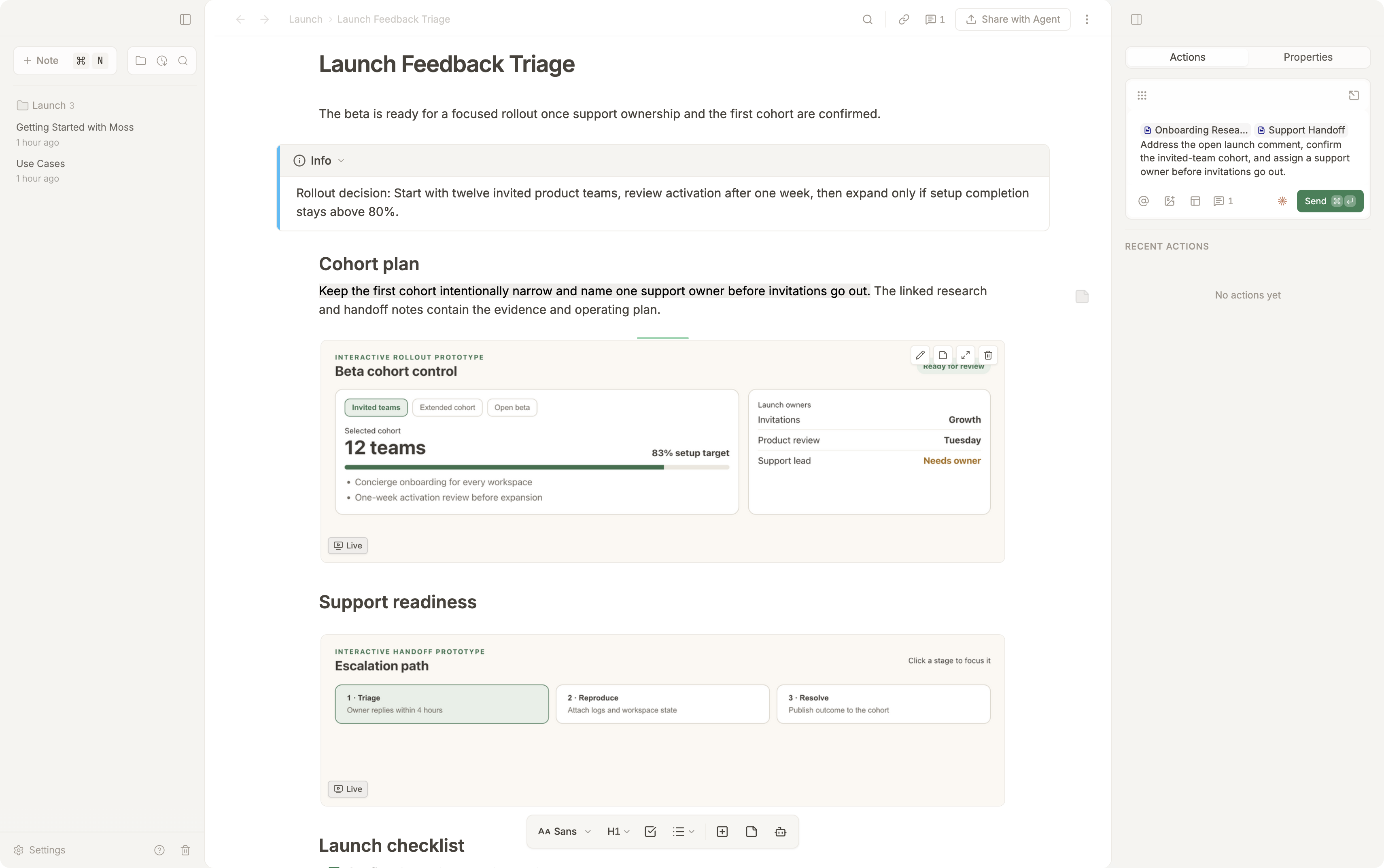
  • Slash commands. Type `/` to insert tables, charts, images, sketches, formulas, and more
  • Inline formulas. Math expressions appear as compact pills right in your text
  • Note links. Type `[[` to link notes together, with hover preview and click to navigate
  • Charts. Bar, line, area, and donut charts from a simple data format
  • Images and sketches. Drag and drop images, or open a drawing canvas inline
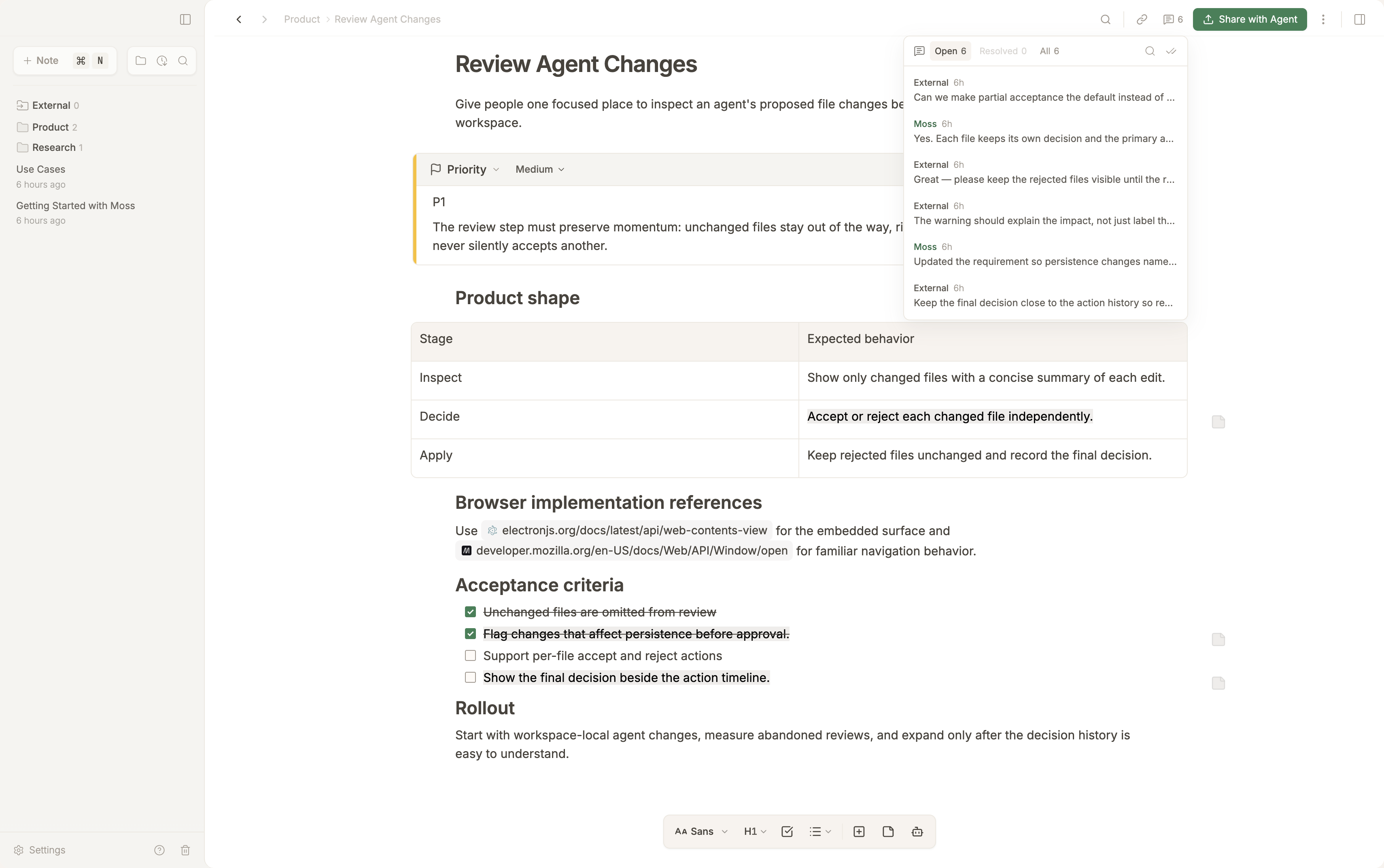
  • Comments. Select text and press Cmd+Shift+A to leave a note

AI Agent

  • Built-in AI agent. Press Cmd+K, describe what you need, and watch edits appear in real time
  • Reads your whole workspace. The agent can reference other notes for richer answers
  • Skills. Teach the agent reusable instructions for writing, research, and more

Interface

  • Quick prompt. Cmd+K opens a search-style prompt with @-mention support
  • Zen mode. Cmd+\ hides both panels for distraction-free writing
  • Search. Instant filtering with keyboard navigation
  • Trash with restore. Deleted notes go to trash with 30-day recovery

Platform

  • Your files, your computer. Plain text files on your disk. No cloud, no account, no lock-in
  • Open any .md file. Double-click a Markdown file in Finder to open it in Moss
  • Auto-updates. New versions install automatically on next launch
  • macOS 12+. Works on all modern Macs
← Back to home